

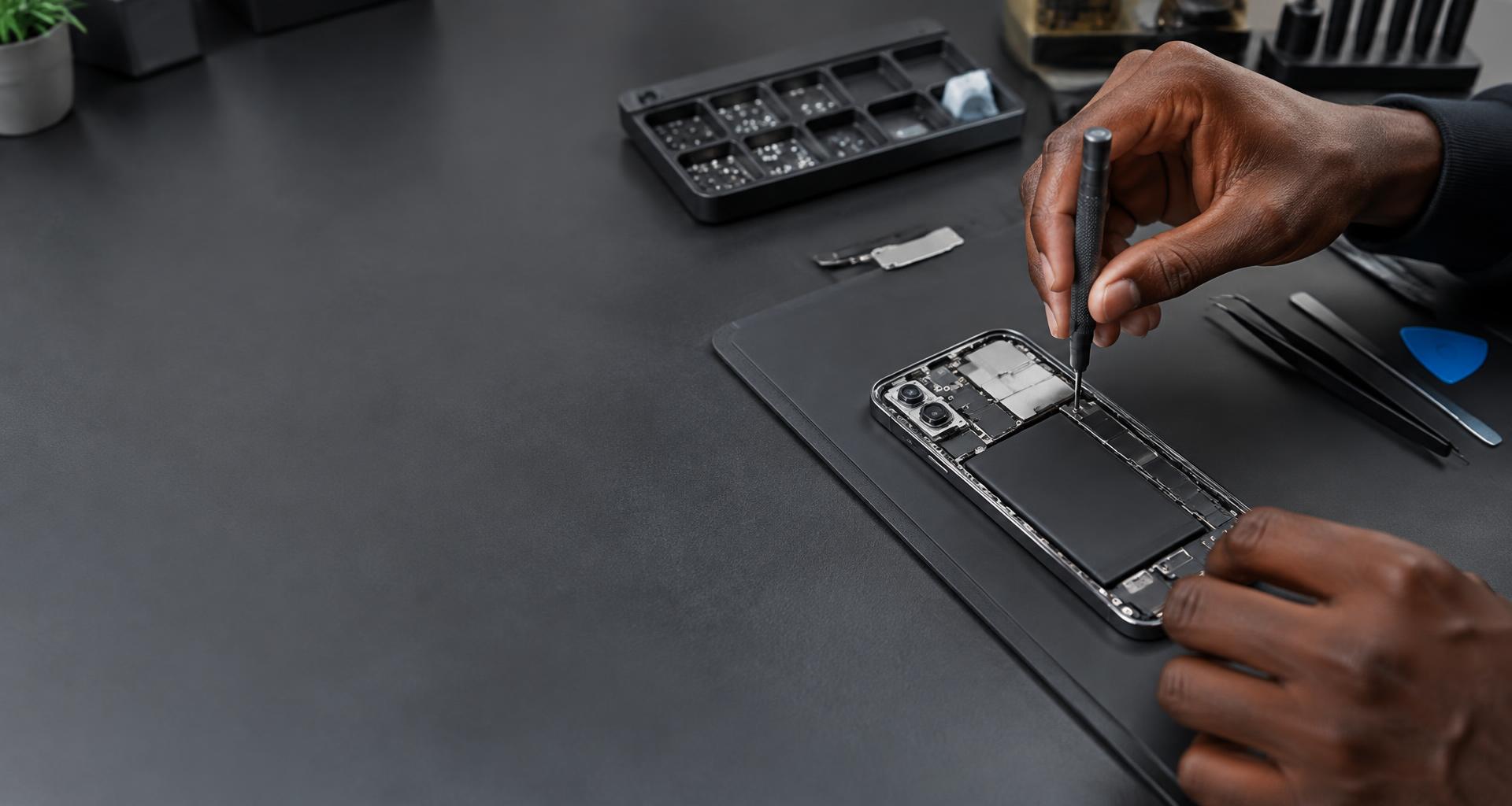
Device repairs.
Not every fault needs a new device. Tell us what’s happening, and let’s look at your options.
Start with the symptom
What’s not working?
You don’t need to know the name of the part. Tell us what you see, hear or notice.
Screen & touch
Cracked glass, lines on the display, a black screen or touch that misses a tap.
Talk to usBattery & charging
A battery that runs down quickly, unexpected shutdowns or a loose charging connection.
Talk to usSound & cameras
Muffled calls, a silent speaker, a microphone that cuts out or a camera that won’t focus.
Talk to usPower & software
A device that won’t start, keeps restarting or gets stuck before you can use it.
Talk to usLiquid spill or a swollen battery? Stop using the device. Don’t charge it, don’t apply heat and don’t press a swollen battery back into place. Contact the team for advice before bringing it in.
A sensible place to start
The right details.
A clearer next step.
Some faults are straightforward. Others need a closer look. Start with a conversation, not a guess at the cost.
Describe the problem- 01
Tell us about the device
Include the brand, exact model and fault. Say when it started and whether the device was dropped, got wet or has been repaired before.
- 02
Discuss the options
Ask about inspection, the proposed work, available parts, cost and expected timing. Get those details clear before agreeing to a repair.
- 03
Bring it in prepared
Back up what you can, remove your SIM and memory card, and make a note of the fault. Bring the charger too if the problem involves charging.
Your files matter, too.
A working device is only part of the story. Your photos, messages and work files deserve some preparation before a repair.
- Make a backup before handing the device over, if possible.
- Never send passwords or passcodes in an enquiry.
- Ask whether testing needs access to the device, and discuss a safe way to provide it.
Before you visit
A few useful answers.
Let’s take a look
Tell us what went wrong.
Send the model and a short description of the fault. If you’re unsure whether your device can be repaired, ask us first.
Request a repair